



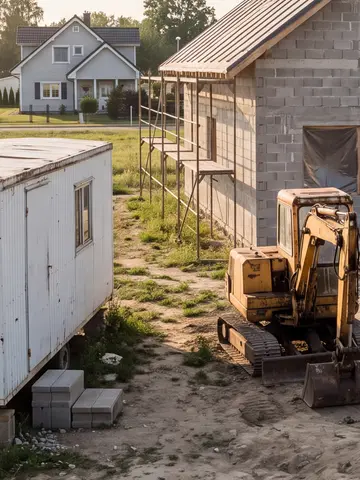
Mira Dozer

Site office · Monitor wall

AI · Fictional series: about this site

Tape

TAPE 001 · DAY 1

Day 1: Introduction.

Introduction18 s

Plays from YouTube

Tapes

3 days happened without you.

One tape a day · From day 1

    Next record due inNext record

    Work order #003Open

    A task for Mira · Your call

    47 planks nobody ordered. Build a bench, or give them away?

    Closes with day 20Decide how →

    Tasks

    No open tasks.

    The foreman is quiet. Enjoy it.

    Archive →

    Badge reader

    No badge detected.

    Hard hat numbers are issued in order. Low numbers were here first.

    Get a hard hat number →

    Direct line

    Off-site: YouTube

    @MiraDozer

    Same dirt. Smaller screen.

    The wall goes on standby. Cameras keep recording.

    Alerts for new videos?

    • A new video. A new day on the tape.
    • A work order opens. Sign it before it closes.
    • A work order is filmed. The tape is in.

    Only when there is news. No e-mail, no account. Off any time: the bell at the time clock, or the footer.

    Turn on, then your browser asks. Choose Allow.

    Scanning…

    Link: miradozer.com/unpublished

    Opens in a new tab. The wall goes on standby.

    Take the remote.

    The wall, in your pocket. The foreman's idea.

    It pairs as an icon on this device. Tap it, the wall comes on.

    1. Tap Share in Safari.
    2. Then Add to Home Screen.

    Open the browser menu, then Install or Add to Home screen.

    Paired. You're holding it.